
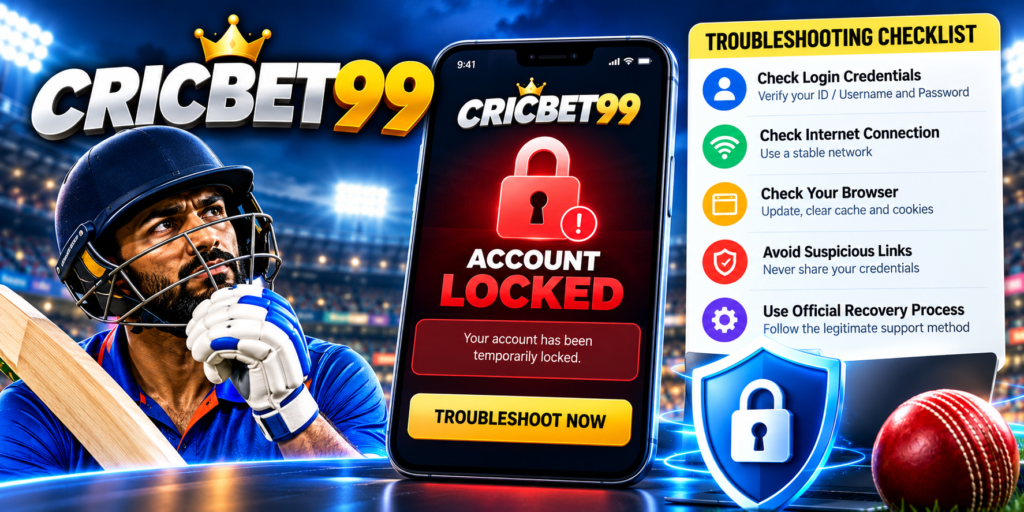
An account-lock message can be frustrating, particularly when you believe your login details are correct. Account restrictions can occur because of repeated unsuccessful login attempts, security checks, outdated information, or temporary technical problems.
If you encounter a Cricbet99 account locked message, avoid repeatedly attempting to sign in. Instead, review the possible causes and follow safe troubleshooting steps before seeking assistance.
Why Can an Account Become Locked?
Online platforms may temporarily restrict access when they detect unusual login activity. Repeated incorrect password attempts are one possible reason. Additional verification may also be required when a login attempt differs from previous activity.
Sometimes, technical problems can resemble an account restriction. Browser errors, unstable internet connections, expired sessions, or temporary service interruptions may prevent successful authentication.
The exact reason depends on the platform’s current procedures. Review the displayed error message and follow the legitimate recovery instructions.
Cricbet99 Account Locked: Troubleshooting Checklist
Use this checklist to identify possible causes without compromising your account security.
1. Verify Your Login Credentials
Check that your username or account ID is entered correctly. Look for accidental spaces, capitalization differences, and incorrect autofill information.
If you recently changed your password, make sure you are using the updated credentials. Avoid guessing passwords repeatedly because some platforms impose temporary restrictions after unsuccessful attempts.
2. Check Your Internet Connection
Open another trusted website to confirm that your internet connection is working normally.
If several websites fail to load, the problem may be related to your network rather than your account. Check your Wi-Fi or mobile data before attempting another login.
3. Review Your Browser
Browser-related issues can sometimes interfere with authentication. Consider these basic checks:
- Update your browser to a supported version.
- Refresh the page once.
- Clear relevant cache and cookies if necessary.
- Disable suspicious or problematic extensions.
- Test another trusted browser.
Clearing cookies may sign you out of other websites, so understand the consequences before proceeding.
4. Read the Error Message Carefully
A message stating that a session has expired may require a different response from a message indicating that an account is restricted.
Record the exact error message and avoid assuming that every login failure means your account is locked.
5. Check for Security Notifications
Review legitimate security notifications for unfamiliar login attempts or unexpected account changes. If you suspect unauthorized access, change your password through the official security or recovery process, where available.
Use a strong, unique password that is not shared with other websites.
6. Use the Official Recovery Process
If you cannot access your account, look for the platform’s legitimate password-reset or account-recovery option.
If further assistance is required, contact support through a verified official channel. Provide relevant error details, but never disclose your password, OTP, UPI PIN, card PIN, or banking credentials.
7. Avoid Unofficial Recovery Services
Be cautious of people or websites promising instant account unlocking in exchange for payment, personal information, or verification codes.
Do not download unknown applications or enter your credentials on unfamiliar login pages. Creating additional accounts to bypass a restriction may also cause further account-management or verification problems.
How to Protect Your Account
Good security practices can reduce the risk of unauthorized access. Use a unique password, keep your device and browser updated, avoid suspicious links, and sign out of shared computers.
Never share confidential authentication information with anyone claiming to be customer support. If a request seems unusual, verify it independently through an official channel.
Frequently Asked Questions
1. Why is my Cricbet99 account locked?
Possible reasons include repeated unsuccessful login attempts, unusual activity, security checks, or account-specific restrictions. The actual reason depends on the platform’s procedures.
2. What should I do first if my account is locked?
Stop repeated login attempts, review the error message, check your credentials and connection, and use the legitimate recovery process if necessary.
3. Can incorrect passwords cause an account lock?
Yes. Some online platforms temporarily restrict access after multiple unsuccessful password attempts.
4. Can browser problems make an account appear locked?
Yes. Browser cache, outdated software, expired sessions, or connectivity problems can sometimes interfere with login.
5. Should I share my OTP with support?
No. OTPs are confidential authentication codes and should never be disclosed to another person.
6. Should I create another account to bypass a restriction?
No. Follow the official process to understand and resolve the existing account restriction instead of attempting to bypass it.
7. When should I contact support?
Contact the platform through its verified support channel if basic troubleshooting does not resolve the problem or the account remains restricted.
8. How can I protect my account from unauthorized access?
Use a unique password, avoid suspicious links, keep your device updated, and protect passwords, OTPs, PINs, and payment credentials.